Inside the Computer: The Most Important Components – and How They Work Together

Inside the Computer: The Most Important Components – and How They Work Together
When you press the power button on your computer, a complex chain of electronic events begins. Behind the screen, a network of components works together to open your browser, stream a movie, or run a spreadsheet. But what’s really happening inside the machine—and how do all those parts cooperate to make it work? Here’s a look at the most important components and how they interact.
The Processor – The Computer’s Brain
The CPU (Central Processing Unit) is often called the brain of the computer. It’s where calculations happen and where instructions from software are executed. The faster and more efficient the CPU, the better your computer can handle demanding tasks like gaming, video editing, or data analysis.
The CPU works closely with the computer’s memory. It fetches data from RAM, processes it, and sends results to other parts of the system. You can think of the CPU as a chef who plans, prepares, and coordinates every dish in a busy kitchen.
RAM – The Fast Working Memory
RAM (Random Access Memory) acts as the computer’s short-term memory. It temporarily stores the data and instructions the CPU needs right now. When you have multiple programs open, your computer uses more RAM to keep everything running smoothly.
Once you shut down your computer, the contents of RAM are erased—so your files are permanently stored on a hard drive or SSD instead. The more RAM you have, the easier it is to multitask without slowdowns.
Storage – Where Your Files Live
All your documents, photos, apps, and system files are stored on the computer’s storage drive. There are two main types:
- HDD (Hard Disk Drive) – the traditional spinning-disk drive. It offers large capacity at a lower cost but is slower and more fragile.
- SSD (Solid State Drive) – a newer, faster type of storage with no moving parts. It’s more durable, energy-efficient, and dramatically speeds up boot times and file access.
Most modern computers use SSDs for their speed, though some people combine a smaller SSD for the operating system with a larger HDD for long-term storage.
The Graphics Card – The Image Maker
Whenever you watch a video, play a game, or edit photos, the GPU (Graphics Processing Unit) handles the visuals. The GPU is designed to perform many calculations in parallel, making it ideal for rendering images and animations.
There are two main types of graphics solutions:
- Integrated graphics, built into the CPU, suitable for everyday tasks like web browsing and streaming.
- Dedicated graphics cards, which have their own processor and memory—perfect for gaming, 3D modeling, and video production.
Today, GPUs are also used for artificial intelligence and machine learning because of their ability to process massive amounts of data simultaneously.
The Motherboard – The Central Connection
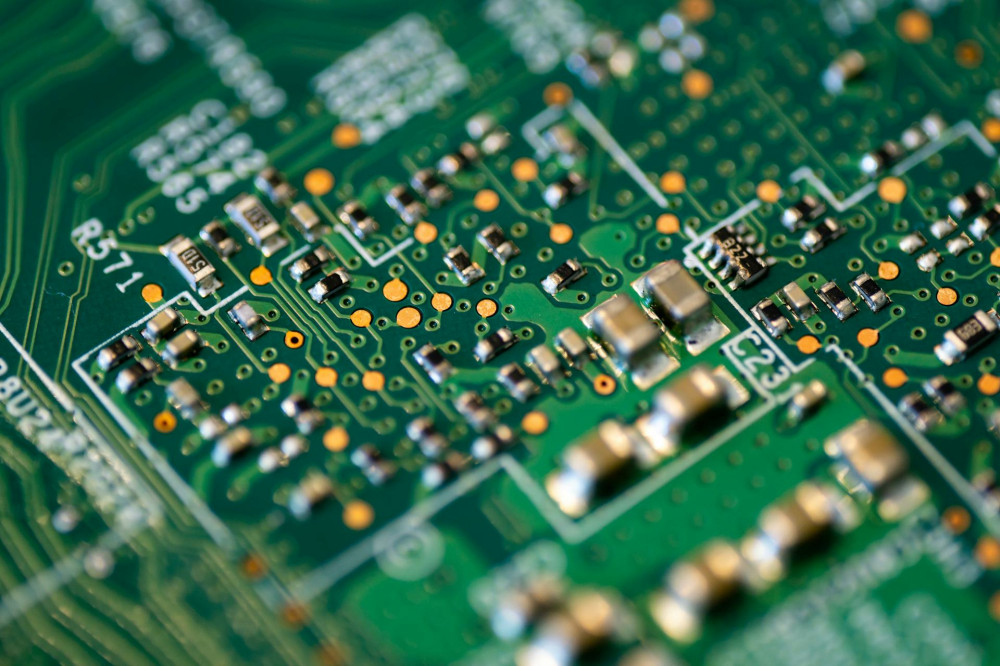
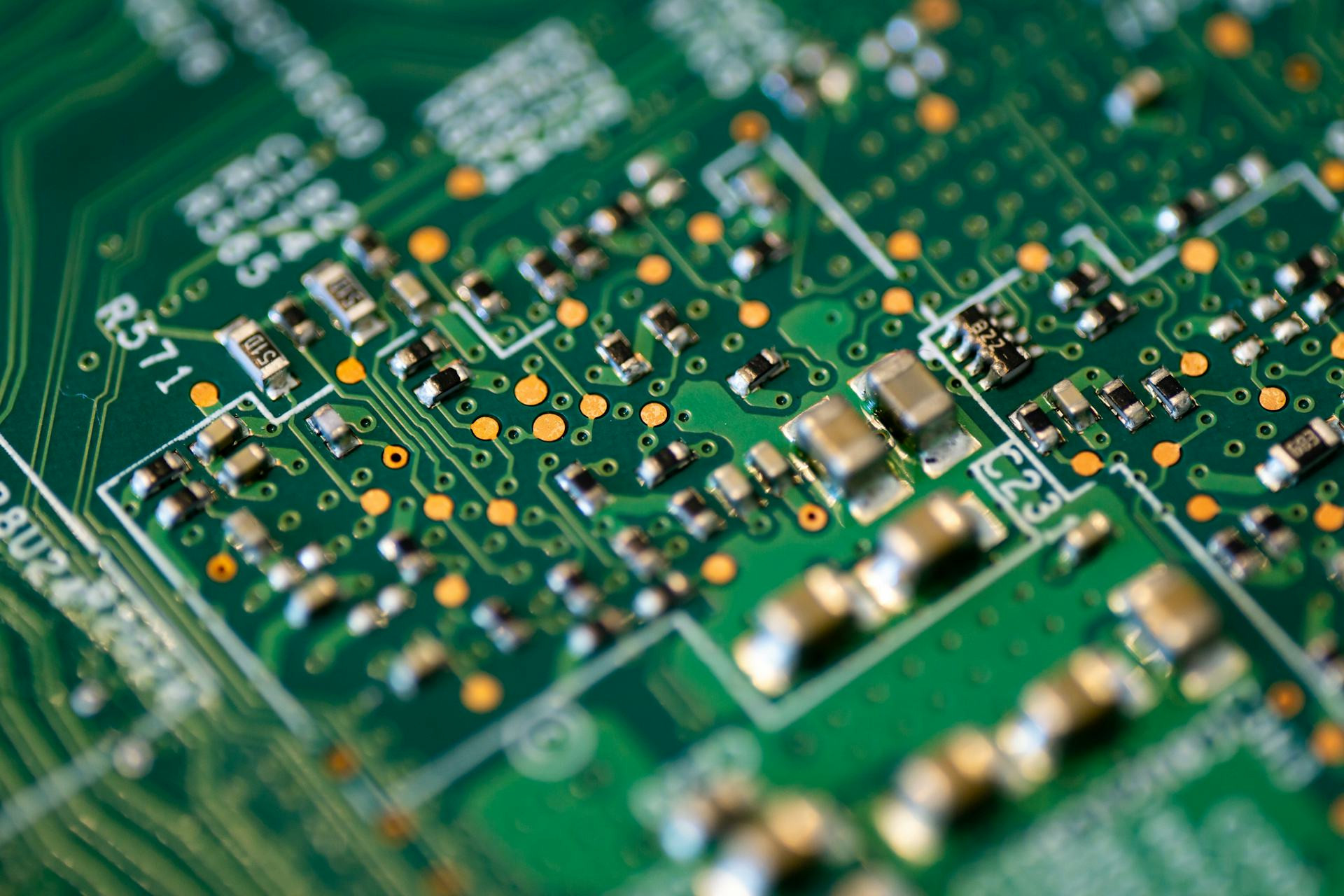
The motherboard is the large circuit board that connects all the computer’s components. The CPU, RAM, GPU, storage, and power supply all plug into it. It allows data to flow between parts and distributes power where it’s needed.
The motherboard also contains the BIOS or UEFI, a small program that starts the computer, checks that everything is working, and loads the operating system from storage into memory.
The Power Supply – The Energy Gatekeeper
Nothing works without power. The power supply unit (PSU) converts the alternating current (AC) from your wall outlet into direct current (DC) that the computer’s components can use. It must deliver stable, sufficient power—especially if you have high-performance parts like a powerful GPU.
A quality power supply also protects against surges and ensures your system runs reliably.
Cooling – The Silent Helper
When the CPU and GPU are working hard, they generate heat. That’s why cooling is essential to keep temperatures under control and prevent damage. Most computers use fans and heat sinks, while high-end systems may use liquid cooling for even better performance.
Good cooling not only keeps your computer quiet and stable but also extends the lifespan of its components.
How the Parts Work Together
When you press the power button, the PSU sends electricity through the system, and the motherboard activates the CPU. The BIOS checks that everything is functioning and loads the operating system from the storage drive into RAM. The CPU begins executing instructions, the GPU handles visuals, and RAM provides quick access to the data needed for each task.
All of this happens in fractions of a second—a precise collaboration of hardware, software, and energy that makes your computer feel like a single, seamless machine.
Læs også:


A Constantly Evolving Machine
Computers continue to get faster, smaller, and more efficient. New technologies like M.2 SSDs, ARM-based processors, and built-in AI accelerators are changing how we think about computing power. But the basic principle remains the same: a coordinated system of brain, memory, muscles, and nerves—all working together inside the box on your desk.
Understanding how these parts interact not only helps you choose or upgrade your computer but also deepens your appreciation for the incredible technology behind every click.
Læs også: